
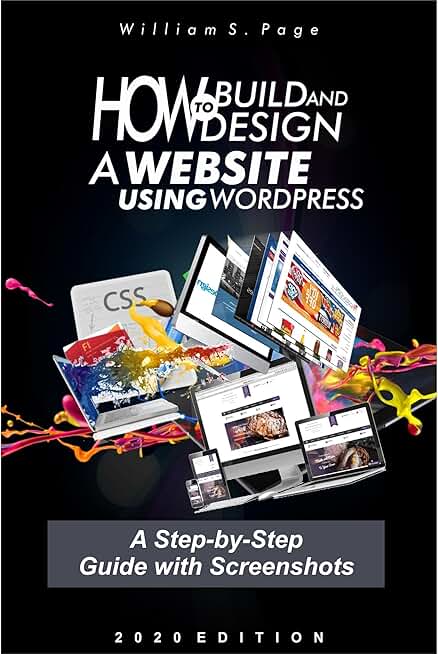

How to Build and Design a Website using WordPress: A Step-by-Step Guide with Screenshots: Beginners Guide on Website Building, 2020 Version
ʊsɛʀզʊɛɛռ B
Description
Skill on how to build and design websites is on high demand in our society today. It is important you learn this skill through step-by-step guide given in this book with up to date information. This book explains in detail how you can build and design websites using WordPress Content Management System with 187 clear screenshots. In this book, you will learn: - How to build a website from scratch to the end - Type of websites and functions - Step-by-step guide in building website without codes - How to build navigation menu items with different background designs - How to create web pages - Guide on how to add logo, site title and description to a website - Explanation on how to create slides on a website - Recommended website hosting companies for you - How to ensure your website is in a healthy state (site health) - How to build and design a website header section - Step-by-Step guide in building website footer section - How to build social media links at footer of a website - How to add search box on any area of your website - Instructions on how to promote your website - How to create posts using WordPress word editor - How to hyperlink words and images in posts and pages - Step-by-step guide in choosing good theme for your website - How to build a website using Astra theme - How to use sliders in Astra theme - How to build a website using Elementor This is a book you need to read. What are you waiting for to get this book? Just scroll up and hit Buy to enjoy the package.Read more
Uploader
ʊsɛʀզʊɛɛռ B
Related Works

Episodes (12)
Chapter 1 Introduction to Website Building
Chapter 2 Choosing a Domain Name and Hosting
Chapter 3 Installing WordPress and Account Setup
Chapter 4 WordPress Admin Dashboard and the Features
Chapter 5 New Theme Installation
Chapter 6 Header and Landing Page Top Design
Chapter 7 How to Insert Logo , Site Title and Setup Search Box on a Website
Chapter 8 Widgets and the use on Websites
Chapter 9 How to use Sliders on Websites
Chapter 10 Explanation of Post Screen Option and its use